You Built the Infrastructure. Now What?
In Part 1, you built the foundation: serializing functions to strings, reconstructing them in the worker, passing dependencies through a context object, and catching bundler-injected helpers before they silently ruin your weekend. You have a working pattern. You also have more questions.
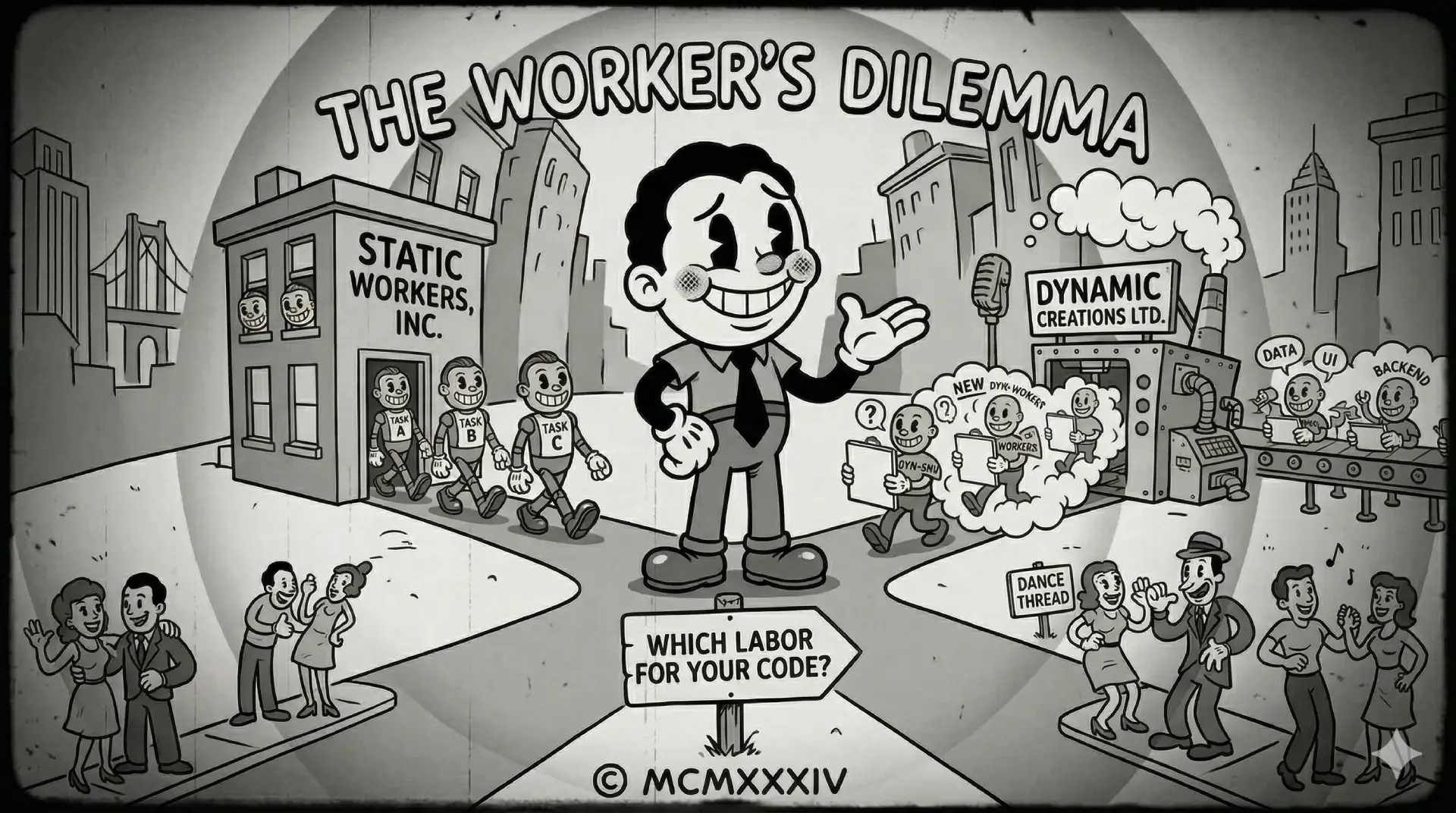
Specifically: where does this worker actually live? Do you create it once and keep it around? Do you create one per component? Do you spin them up on demand? How? And if you have five different heavy computations in five different parts of the app, do you ship five workers?
The answer is: it depends, which is the correct answer to approximately half of all engineering questions. This part covers the two patterns we use in production and when to reach for each.
Pattern 1: The Loyal Singleton
Use when: you have a dedicated computation that runs repeatedly throughout the app's lifetime and the worker's logic is known at compile time.
You create a static worker once (either at module level or in a service constructor) and it lives until the application is torn down. The worker file is a proper TypeScript file that Angular CLI / esbuild bundles separately.
The Worker File
// heavy-computation.worker.ts
/// <reference lib="webworker" />

enum WorkerEventType {
  ComputeRequest = 'COMPUTE_REQUEST',
  ComputeResponse = 'COMPUTE_RESPONSE',
  ErrorResponse = 'ERROR_RESPONSE',
}

interface ComputeRequest {
  type: WorkerEventType.ComputeRequest;
  id: string;                         // Correlation ID for async matching
  data: { items: Item[]; config: FilterConfig };
}

interface ComputeResponse {
  type: WorkerEventType.ComputeResponse;
  id: string;
  data: Item[];
}

interface ErrorResponse {
  type: WorkerEventType.ErrorResponse;
  id: string;
  error: Error;
}

addEventListener('message', ({ data }) => {
  const event = data as ComputeRequest;

  if (event.type !== WorkerEventType.ComputeRequest) return;

  try {
    const result = expensiveFilter(event.data.items, event.data.config);
    postMessage({ type: WorkerEventType.ComputeResponse, id: event.id, data: result } as ComputeResponse);
  } catch (error) {
    postMessage({ type: WorkerEventType.ErrorResponse, id: event.id, error } as ErrorResponse);
  }
});

function expensiveFilter(items: Item[], config: FilterConfig): Item[] {
  // ... heavy computation here
  return items.filter(item => /* ... */);
}
In practice, you would extract the enum and interfaces (WorkerEventType, ComputeRequest, ComputeResponse, ErrorResponse) into a shared types file (e.g. heavy-computation.types.ts) and import them in both the worker and the service.
The Service That Talks to It
// heavy-computation.service.ts

// Create the worker once at module level (singleton)
// This avoids Angular's DI lifecycle affecting worker lifetime
const WORKER = new Worker(new URL('./heavy-computation.worker', import.meta.url));

@Injectable({ providedIn: 'root' })
export class HeavyComputationService {
  #calls = 0;
  // Bridge worker events into an Observable stream
  readonly #messages$ = new Subject<ComputeResponse | ErrorResponse>();

  constructor() {
    WORKER.onmessage = ({ data }) => {
      this.#messages$.next(data as ComputeResponse | ErrorResponse);
    };
  }

  compute$(items: Item[], config: FilterConfig): Observable<Item[]> {
    const id = this.#calls++.toString(); // Simple correlation ID generator

    WORKER.postMessage({
      type: WorkerEventType.ComputeRequest,
      id,
      data: { items, config },
    } as ComputeRequest);

    return this.#messages$.pipe(
      filter((message) => message.id === id), // Match by correlation ID
      map((message) => {
        if (message.type === WorkerEventType.ErrorResponse) {
          throw new Error(message.error.message);
        }
        return message.data;
      }),
      take(1)
    );
  }
}
Key points:
- Correlation IDs (
this.#calls++.toString()) match responses to their requests when multiple calls are in-flight simultaneously. A monotonic counter. The least glamorous solution and the one that actually works. Subjectas a bridge converts the imperativeonmessagecallback into an RxJS stream that Angular components can subscribe to.- Module-level instantiation (
const WORKER = new Worker(...)) ensures the worker starts once and stays alive. Creating it inside the@Injectableconstructor is fine too, Angular'sprovidedIn: 'root'guarantees a single instance. Either way, it survives Angular's DI lifecycle. - No serialization, no validation needed. The worker file is a real TypeScript file bundled at compile time, not a string constructed at runtime. The gotchas from Part 1 don't apply here.
Pattern 2: Workers on Demand
Use when: the computation logic varies per use case (different filter functions, different sort comparators) and you want a generic worker infrastructure that accepts consumer-provided pure functions as input.
This pattern lets you create workers at runtime from a Blob containing the handler function serialized to a string. It's more complex but enables reuse, one service handles all callers, and each consuming service provides its own logic.
Yes, you are constructing JavaScript from strings and executing it at runtime. No, this is not eval(). It is eval() with extra steps and a Blob URL. This is fine! You built the validation machinery in Part 1 precisely so you don't have to be afraid of it.
⚠️ As a reminder from Part 1: only serialize functions written by you or other trusted application code. Never accept serialized function strings from user input or external sources. That is XSS waiting to happen. Trust but verify!

The Dynamic Worker Service
// dynamic-worker.service.ts
@Injectable()
export class DynamicWorkerService implements OnDestroy {
  readonly #workers = new Map<string, Worker>();

  /**
   * Returns a cached worker for `id`, creating one if it doesn't exist.
   * The workerFunction is serialized to a string once - subsequent calls
   * with the same id return the cached worker regardless of workerFunction changes.
   */
  getWorker(id: string, workerFunction: Function): Worker {
    const existing = this.#workers.get(id);
    if (existing) return existing;

    const fnStr = workerFunction.toString();
    validateSerializedFunction(fnStr, 'DynamicWorkerService'); // From Part 1, Gotcha 3 - extract to a shared utility file

    const blob = new Blob([`self.onmessage = ${fnStr};`], { type: 'text/javascript' });
    const url = URL.createObjectURL(blob);
    const worker = new Worker(url, { name: `worker-${id}` });

    this.#workers.set(id, worker);
    return worker;
  }

  ngOnDestroy(): void {
    this.#workers.forEach((worker) => worker.terminate());
    this.#workers.clear();
  }
}
Usage in a Filtering Service
The consuming service provides the filter function, but the function must be pure, no this, no imports, no closures over external scope. Dependencies still travel through the message payload as a context object, just like in Part 1:
// list-filter.service.ts
@Injectable()
export class ListFilterService<TItem> {
  readonly #workerService = inject(DynamicWorkerService);
  readonly #ngZone = inject(NgZone);

  filter$(items: TItem[], filterFn: (item: TItem, context: Record<string, unknown>) => boolean, context: Record<string, unknown> = {}): Observable<TItem[]> {
    return from(
      // Run outside Angular's zone - there's no reason to trigger change detection just because a worker said hello
      this.#ngZone.runOutsideAngular(
        () =>
          new Promise<TItem[]>((resolve, reject) => {
            const worker = this.#workerService.getWorker('list-filter', this.#createHandlerFunction<TItem>());

            worker.onmessage = (e: MessageEvent<TItem[]>) => resolve(e.data);
            worker.onerror = (e) => reject(new Error(e.message));

            worker.postMessage({
                items,
                filterFn: filterFn.toString(),
                context: serializeWorkerContext(context),
            });
          })
      )
    );
  }

  // This function IS the worker's onmessage handler -
  // it must be entirely self-contained (no imports, no `this`)
  #createHandlerFunction<TItem>() {
    return function (e: MessageEvent<string>) {
      const payload = e.data as {
        items: TItem[];
        filterFn: string;
        context: Record<string, unknown>;
      };

      const context = Object.fromEntries(
        Object.entries(payload.context).map(([key, value]) => [
          key,
          typeof value === 'string' && (value.includes('=>') || value.trimStart().startsWith('function'))
            ? new Function('"use strict"; return (' + value + ')')()
            : value,
        ])
      );

      const filterFn = new Function('"use strict"; return (' + payload.filterFn + ')')() as (item: TItem, ctx: Record<string, unknown>) => boolean;

      const result = payload.items.filter((item) => filterFn(item, context));

      postMessage(result);
    };
  }
}
Here, serializeWorkerContext() is the same helper pattern you built in Part 1: plain values pass through unchanged, function values are converted to strings before crossing the worker boundary.
Note the use of NgZone.runOutsideAngular(). Worker creation and message handling happen outside Angular's zone; there's no reason to trigger change detection on the worker's internal lifecycle. When the promise resolves and you subscribe() in a component, you're back inside the zone.
Passing Complex Context
If a filter function needs access to a utility such as a date formatter or a locale-aware comparator, keep using the same context pattern from Part 1: serialize helper functions before posting the message, then rehydrate them inside the worker before executing filterFn. The lifecycle is new in Part 2; the dependency contract stays the same.
A Word on Angular + esbuild
Part 1 already covered the bundler gotchas in detail. The practical takeaway here is simpler:
- Static workers avoid most serialization trouble because the worker code lives in a real file that Angular bundles separately.
- Dynamic Blob workers still depend on runtime-generated code, so the validation step from Part 1 stays mandatory.
- If a worker needs npm imports, prefer a module worker file over a Blob-generated worker.
With esbuild, new Worker(new URL('./my.worker', import.meta.url)) works natively, no additional configuration needed. The CLI handles chunking the worker file automatically.
Module workers ({ type: 'module' }) are the right choice when the worker itself needs to import packages. Without type: 'module', the worker is a classic script and cannot use import:
// Module worker - can import npm packages
const worker = new Worker(new URL('./my.worker', import.meta.url), { type: 'module' });

// my.worker.ts  (module worker - imports work)
import { parseISO } from 'date-fns';

addEventListener('message', ({ data }) => {
  const result = data.dates.map(parseISO); // ✅ works
  postMessage(result);
});
A Note on Angular SSR and Node.js Worker Threads
Angular SSR runs on Node.js, which happens to have its own worker_threads module. The API looks similar enough that a reasonable engineer might ask: can we unify both behind a single interface and reuse all of this?
Yes. You could. Please don't.
The entire reason Web Workers exist is to protect the UI thread; the one thread responsible for rendering, responding to clicks, and not making users angrily refresh the page. Angular SSR has no UI thread. It renders HTML on the server and hands it off. There is nobody waiting for a frame. The motivating problem simply does not exist.
Blocking the Node.js event loop during SSR is a real concern, but the right answer is async/await and non-blocking I/O, not a worker thread abstraction that exists to solve a browser problem. The worker_threads API also has a meaningfully different surface than the browser's Worker; different message passing, different lifecycle, different constraints. A shared interface would paper over those differences without eliminating them.
If you genuinely have a CPU-bound SSR bottleneck that async/await cannot touch, Node.js worker_threads are available and well-documented. Treat them as a separate, server-specific tool. Just don't drag your browser worker infrastructure along for the ride.
A Healthy Respect for RAM
You have to remember that every worker you create is a separate "thread" and will need its own memory. A static singleton (Pattern 1) pays that cost once at startup and you are done. Dynamic workers (Pattern 2) accumulate: each unique ID in the DynamicWorkerService map keeps a live worker in memory for the lifetime of its host component or service. If you register ten different worker IDs and none of their hosts are destroyed, you have ten workers sitting in RAM doing nothing. Keep dynamic workers scoped to components or services with a clear lifecycle, and let ngOnDestroy clean them up.
So, Should You Use a Worker?
Before you refactor your entire application to use workers, consult this table.
When should you reach for a Web Worker?
| Scenario | Worker? | Pattern |
|---|---|---|
| Filtering/sorting < 1,000 items | ❌ No | Synchronous, fast enough |
| Filtering/sorting 1,000–10,000 items | ⚠️ Maybe | Measure first; worker if >50ms |
| Filtering/sorting > 10,000 items | ✅ Yes | Static or dynamic worker |
| Same filter logic reused across components | ✅ Yes | Static worker singleton |
| Different consumer-defined filter functions | ✅ Yes | Dynamic worker (with validation) |
| CPU-bound calculations (e.g., aggregate counts) | ✅ Yes | Module worker |
| SSR rendering isolation | ❌ No | No UI thread to protect; use async/await |
| Any task on SSR main thread if it's I/O-bound | ❌ No | async/await is sufficient |
The rule of thumb: if a synchronous operation takes more than 50ms on a representative low-end device, it belongs in a worker. If it takes less than 16ms, the overhead of serialization and message passing probably isn't worth it.
So What did Part 2 Add?
Static workers are the boring, reliable choice for repeatable, dedicated computations.
Dynamic workers buy you reuse when different parts of the app need different pure functions, but they keep all the serialization constraints from Part 1.
Angular integration matters. For dynamic workers, setup belongs outside Angular's zone (
NgZone.runOutsideAngular()), while results flow back through your normal RxJS pipeline.Build tooling changes the risk profile. Static workers sidestep most bundler-induced serialization issues; dynamic workers do not.
The initial implementation investment pays back quickly on data-heavy pages. A filter that blocks the main thread for 200ms becomes invisible to the user once it runs in a worker and that difference is the line between an app that feels native and one that feels like it needs a rewrite.
Thanks for reading my two-part series on Web Workers in Angular! I hope it helps you to unblock your UI and build more performant applications. If you have questions, want to share your own patterns, or just want to say hi, find me on the Interwebs!